漢
Kanji Library & Stroke Practice
Browse thousands of kanji by JLPT level, then trace stroke order and test your writing in the interactive practice tool.
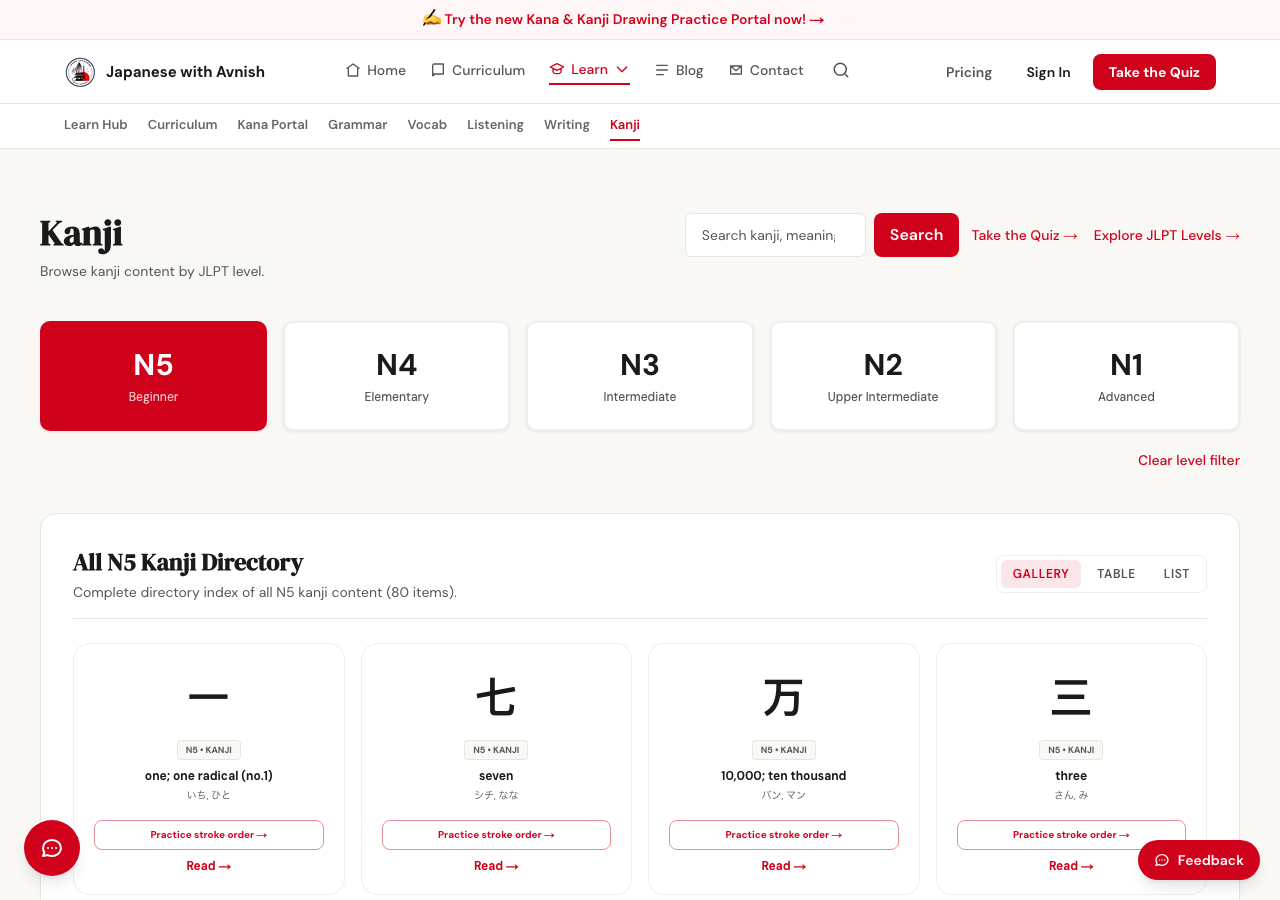
The Kanji library is both a reference and a hands-on practice tool.
- Go to Learn → Kanji, or click "Browse Kanji" below.
- Filter the list by JLPT level (N5-N1) to see only the kanji relevant to your current level.
- Click any kanji character to open its detail view — meaning, on'yomi/kun'yomi readings, and example words that use it.
- Open the stroke-order tracing tool from that detail view to practice writing the character by hand.
- Draw each stroke with your mouse or finger, in order — the tool checks your strokes against the correct stroke order and tells you if you're on track.
- Tap "Read aloud" to hear the character's pronunciation while you practice.
You'll also see kanji chips like this directly inside curriculum lessons — click any kanji character you encounter there to jump straight into practicing it, without leaving your lesson.